
👤 New User Onboarding
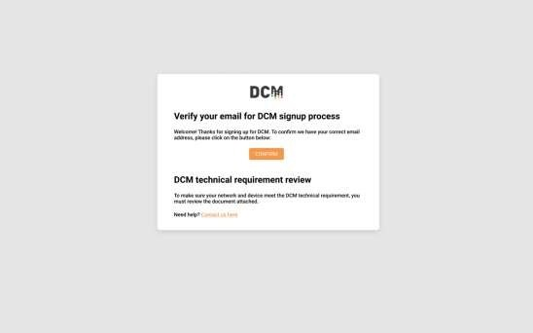
When a project Administrator sends an invite to a new user, they will receive an invitation to sign up and a link to the DCM dashboard. They then need to go through a simple process to finalise their account.
To verify the registration, the new user will need to click the button in the email.
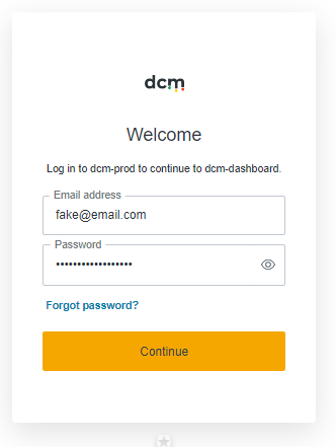
New users will be supplied with a pre-set username and temporary password. They can enter it at the logon page and will be prompted to set a permanent password.
🔑 Password Management
-
Passwords must be more than 15 characters, must contain an uppercase letter, a number and a special character.
-
By default, DCM passwords will expire every 120 days, and will need to be updated using the above entry screen.
❓ Forgot Password Process
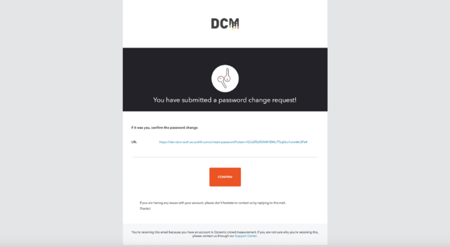
If the user has forgotten their password, simply click ‘Forgot password?’ and enter your email. An email with a link for resetting the password will be sent to the user's mail box.